



YoloLiv YoloDeck Control Panel for YoloBox
- Regular price
- RM 799.00
- Sale price
- RM 799.00
- Regular price
-
RM 819.00
Share
Key Features
- Hardware Controller for your YoloBox
- 15 Large, Customizable LCD Keys
- Control all Operations for YoloBox
- USB-C Connector
- Bright Display on Keys
- Drag-and-Drop Customization from YoloBox
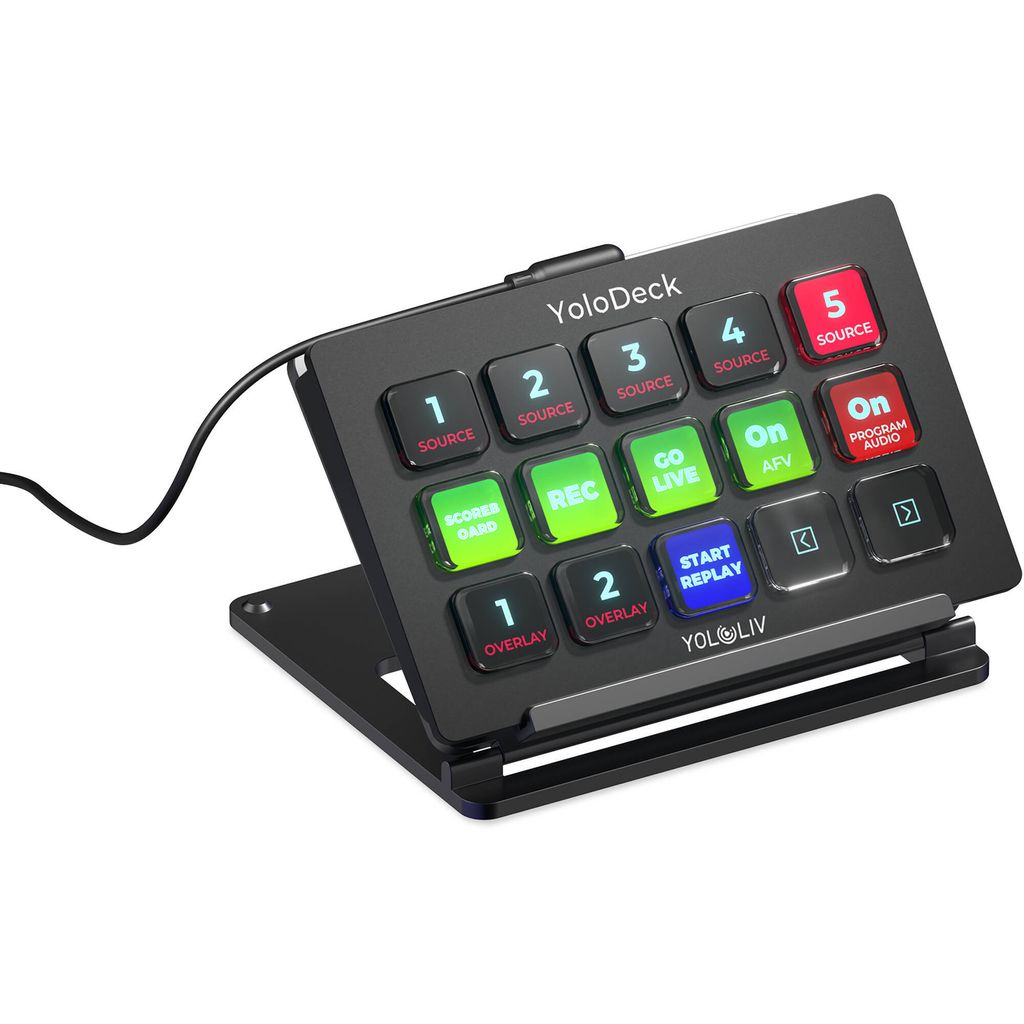
YoloLiv YOLODECK Overview,control your YoloBox using a hardware control panel with this YoloDeck Control Panel from YoloLiv. This compact USB-C control panel features 15 large, customizable LCD buttons that can be seamlessly swapped with the YoloBox software to start and stop streams and recording as well as launch YoloBox features such as source switching, overlays, audio mixing, instant replay, scoreboard, and more.
Versatile Controls
The YoloDeck features 15 large LCD buttons designed to trigger unlimited actions using customization through your YoloBox. One-touch tactile operation lets you start/end live streams, start/stop recording, switch video sources, add graphics, adjust audio, launch instant replay, adjust scoreboards, and more. Visual feedback confirms every command.
Customization and Flexibility
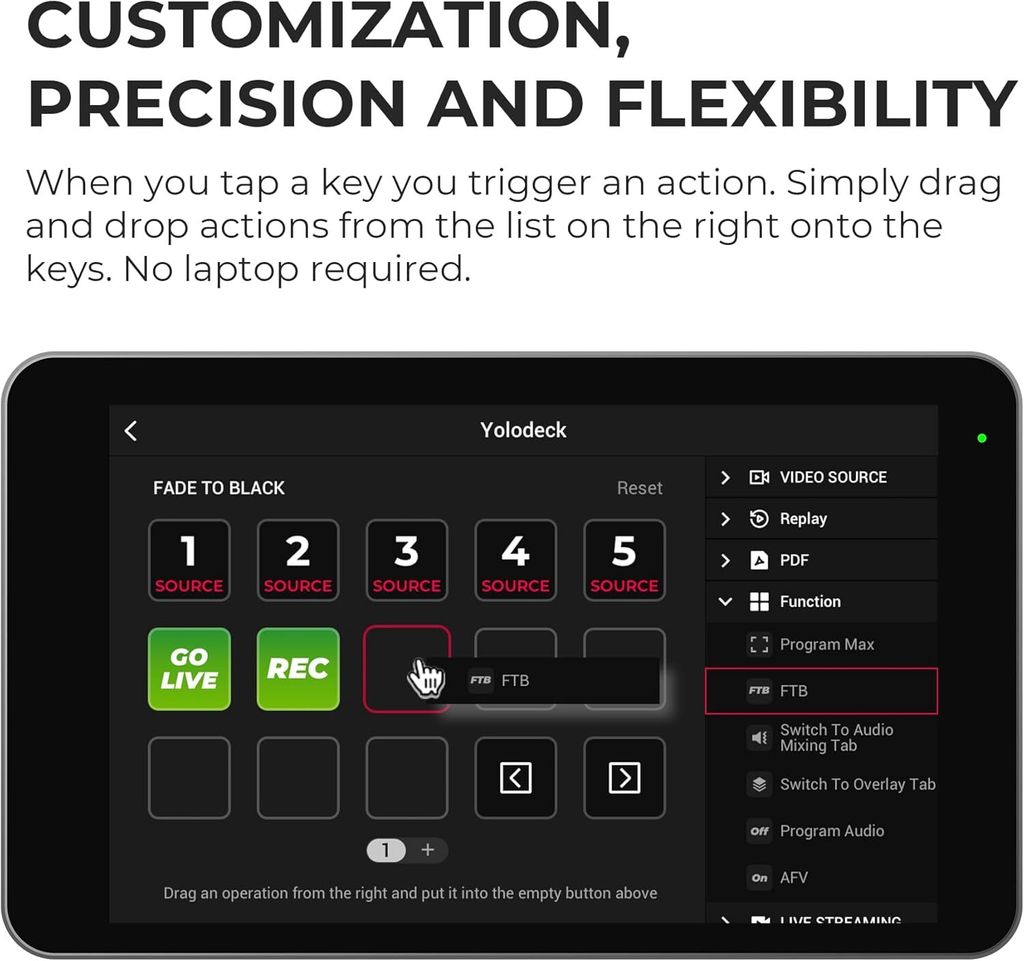
When customizing the YoloDeck in the management software, simply drag and drop YoloBox actions from the list on the right onto the keys. Instantly switch video sources, introduce overlays, feature a comment, access audio mixing, and launch instant replay—all at the touch of a button.
Fast, Easy Operation
Move through workflows and fine-tune adjustments with lightning speed at the touch of a button. Effortlessly navigate through pages of actions on the fly, ensuring you always have the right actions at your fingertips for a seamless and dynamic live stream experience.
In the Box
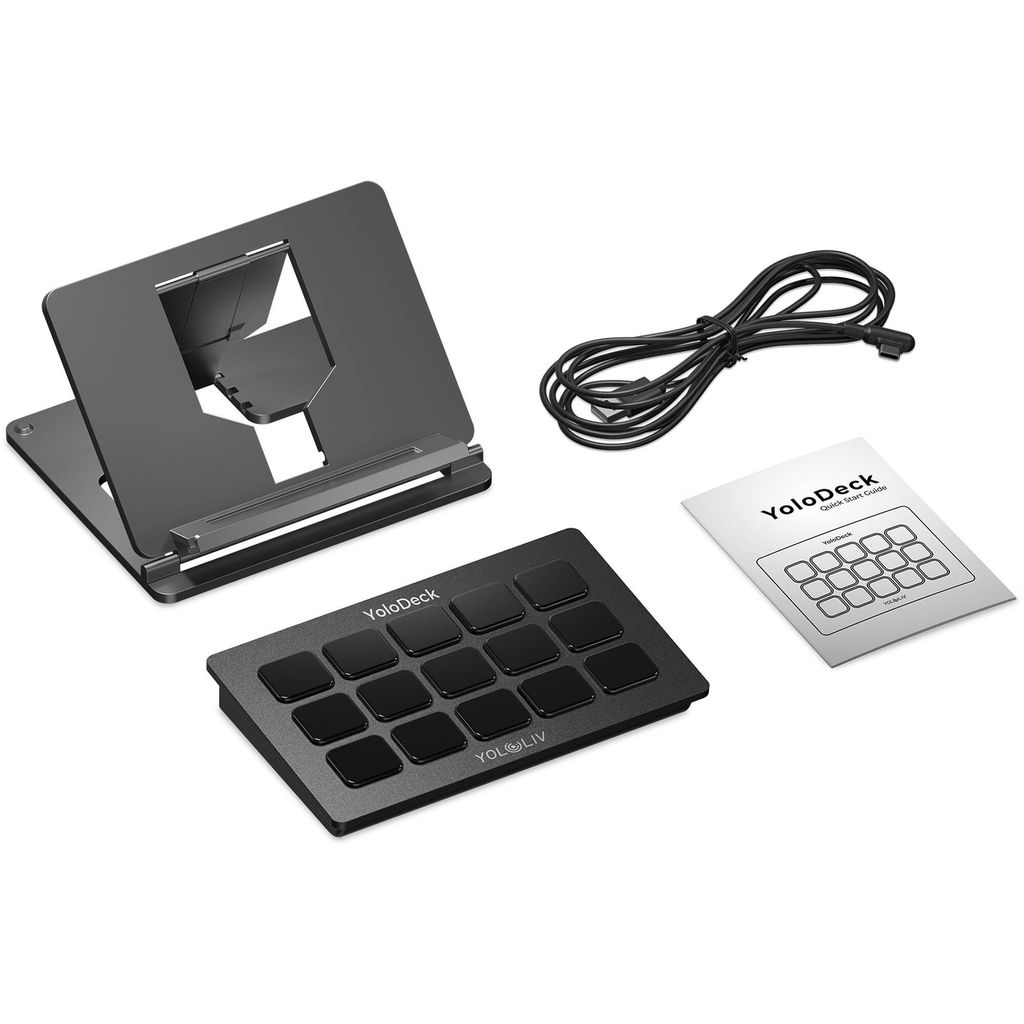
- 1 x YoloLiv YoloDeck Control Panel for YoloBox
- 1 x Limited 1-Year Warranty
Follow us @
https://www.facebook.com/cxgstore/
https://www.instagram.com/creatorxgear/